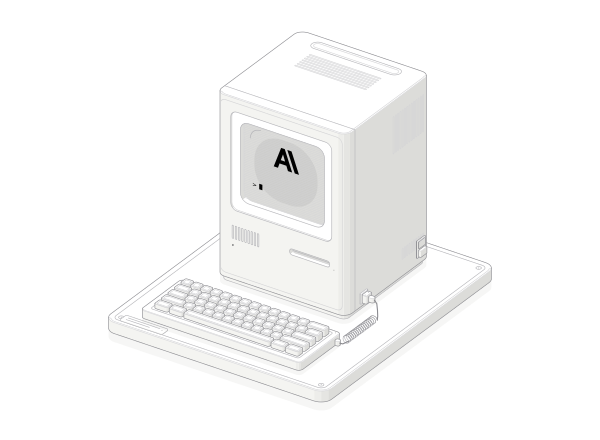
 FIG. 001Explore figure
Type on the keyboard. Watch your words appear on a CRT display.
Ryan · AnatomyAnatomy
Take things apart. See how they work.
Explore interactive figures made with the Anatomy skill. Take things apart, try the controls, and follow your curiosity.
FIG. 001Explore figureType on the keyboard. Watch your words appear on a CRT display.
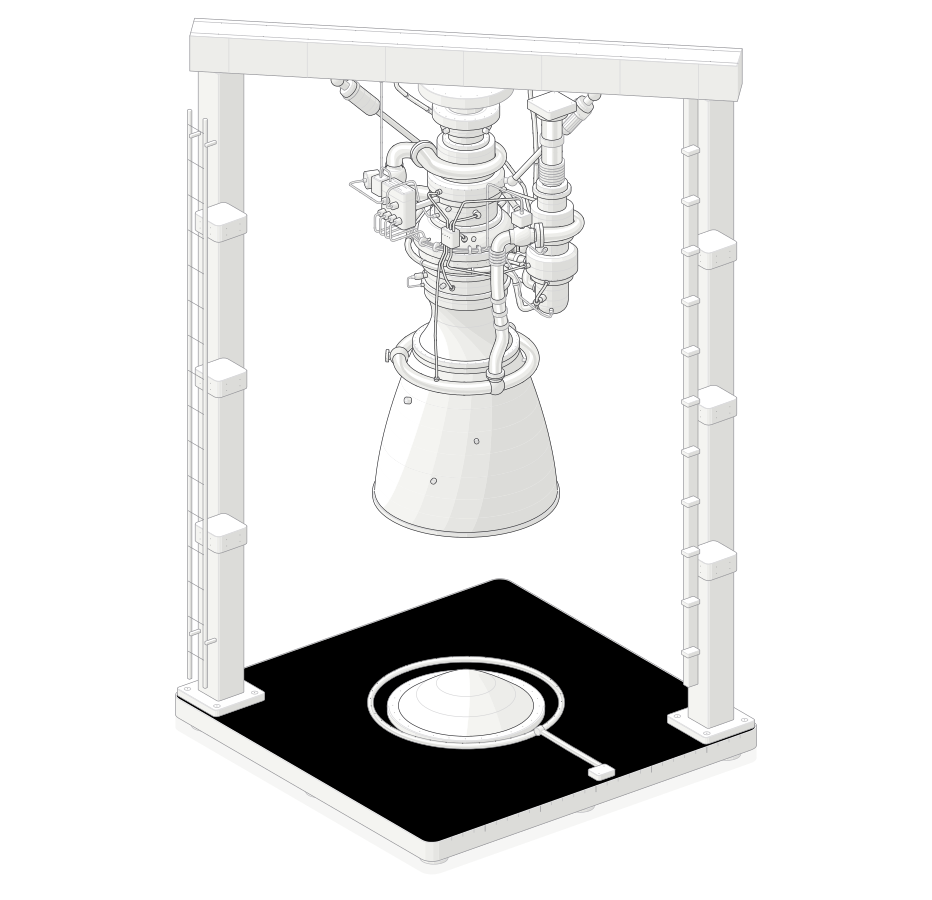 FIG. 002Explore figure
From the nozzle to the pumps, explore the assemblies behind the pipework.
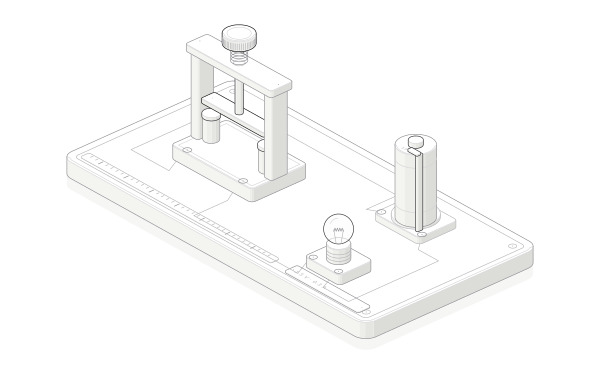 FIG. 003Explore figure
Close a contact and give the current a path to follow.
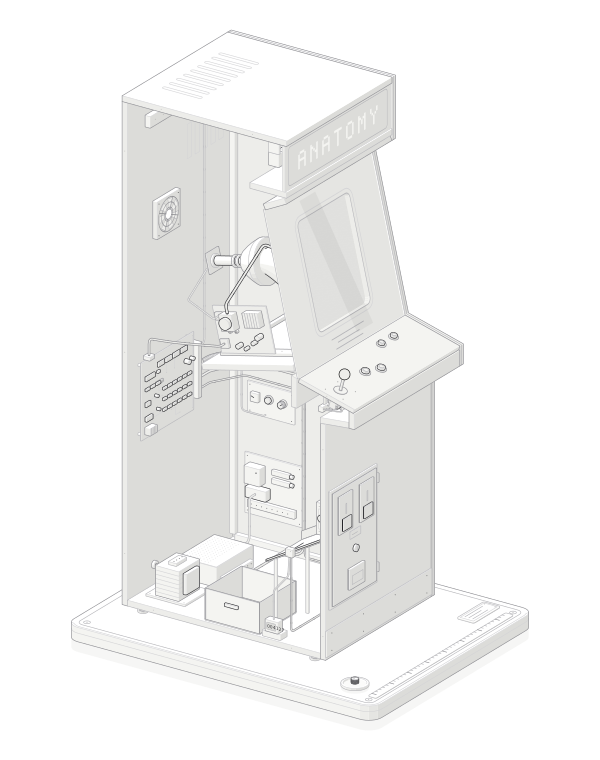 FIG. 004Explore figure
Look inside the cabinet and follow a coin’s journey into a signal.
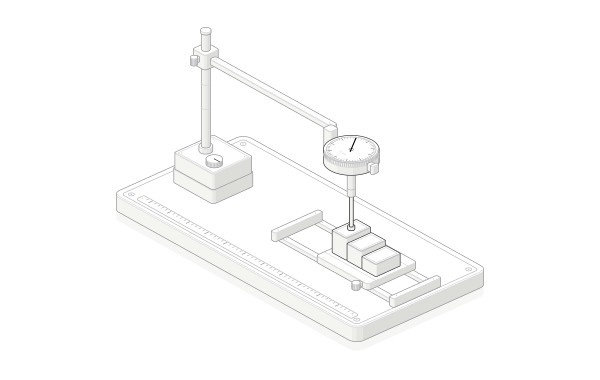 FIG. 005Explore figure
Slide a gauge block and turn a tiny displacement into a dial reading.
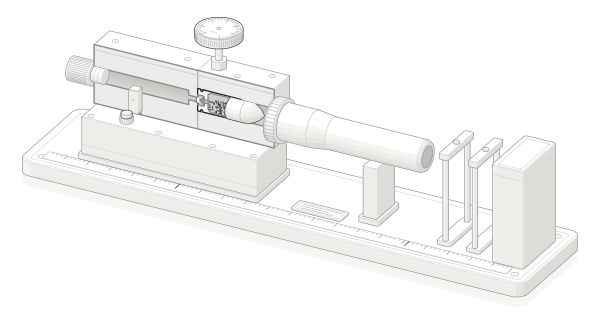 FIG. 006Explore figure
Follow the cutaway from a mechanical impact to a moving bullet.
Bring your Anatomy creations to HowThings. Help someone else see how things work.
How to explore, submit, and continue creating.
An independent collection of interactive figures. Each one lets you look inside something and try how it works, instead of only reading about it.
A standalone explanation made with the Anatomy skill, usually HTML with SVG or WebGL. Open it, use the controls, and follow one idea at a time.
Choose one from the gallery. The drawing and its notes open together. Try the controls inside the figure, then come back for the next one.
Yes. Install the Anatomy skill, describe the idea and the interaction, and ask for standalone HTML. The creation guide lists the three steps.
Submit an English-language figure. After submission, a private receipt is saved in this browser. Open My submissions to see whether it is awaiting review, published, or not approved, including the rejection reason. No account is needed. Clearing browser data removes the local history; save a private receipt link to keep access.
Most figures are by Anatomy / Ryan under the MIT license. Each figure page lists the creator, source, and license. HowThings is not affiliated with Anatomy.
Download the HTML from its figure page and use an AI coding assistant with the Anatomy skill to continue editing. Check the creator’s license before reusing or sharing the work.